Free
€ 0
- Open embroidery files
- Preview & animation
- Basic export
- Text overlays
- Watermark
For macOS — 100% local
Turn your embroidery files into animated product videos, social clips and realistic previews — automatically, right on your Mac.

01Background
I sell my own embroidery designs online. To make better previews, I wanted animated videos — but my digitizer software couldn't export them, let alone with transparent backgrounds for mockups. Screen-recording every file got old fast. So I built what I needed.
02Use case
Don't just show the finished design — show how it comes alive. StitchMotion turns your embroidery file into a ready-to-post video for product pages and social media. Export with a transparent background — drop it straight into any video editor.
Just drop in your embroidery file — StitchMotion handles the rest.
You pick the length — and that's exactly how long the video runs. The timing adapts on its own.
Export straight to MP4 or transparent video for shops, social or mockups.
04Mockups
Drop your embroidery files onto your mockup templates and position the animation. A few clicks and your videos look genuinely finished.
Perfect for product shots, Reels and video overlays.
Use your own photos or studio mockups.
05Overlays
Put text right on your design — in six built-in fonts. Add your own logo or a graphic on top of, or behind, the motif. All placed live in the preview.

Captions in six fonts, freely positioned and resized.
Drop your shop logo or a graphic (transparent PNG) on top.
Place any overlay in front of or behind the embroidery.
06Example
A real example — exported straight from StitchMotion, no post-processing. Just one of many possible looks: you choose the style, thread colors, format and background. Switch between the styles here.
07Render looks
Pick the look that fits your shop or your content. Three different renderings — try them on your design and see which one fits.
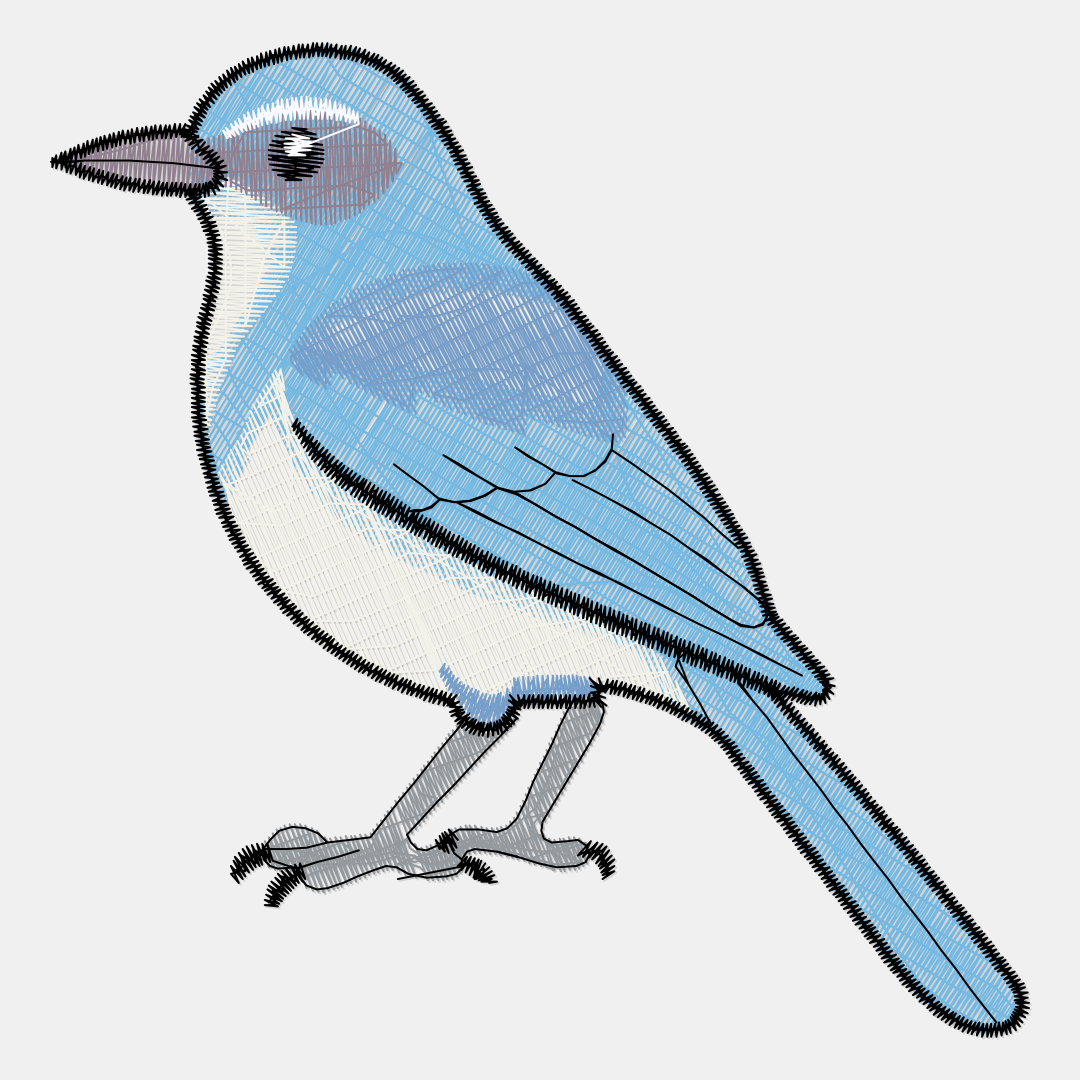 Lines
Lines
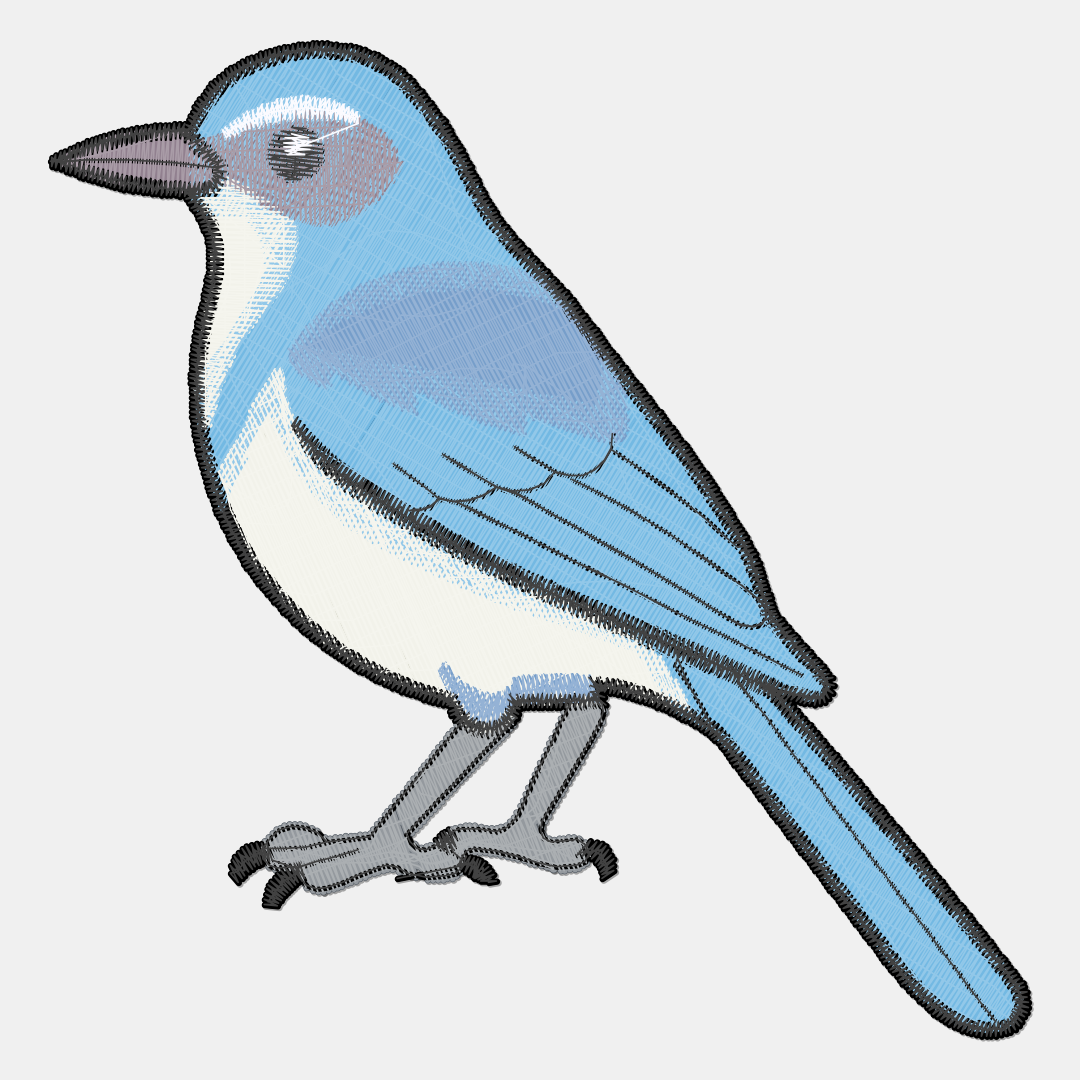 Style A
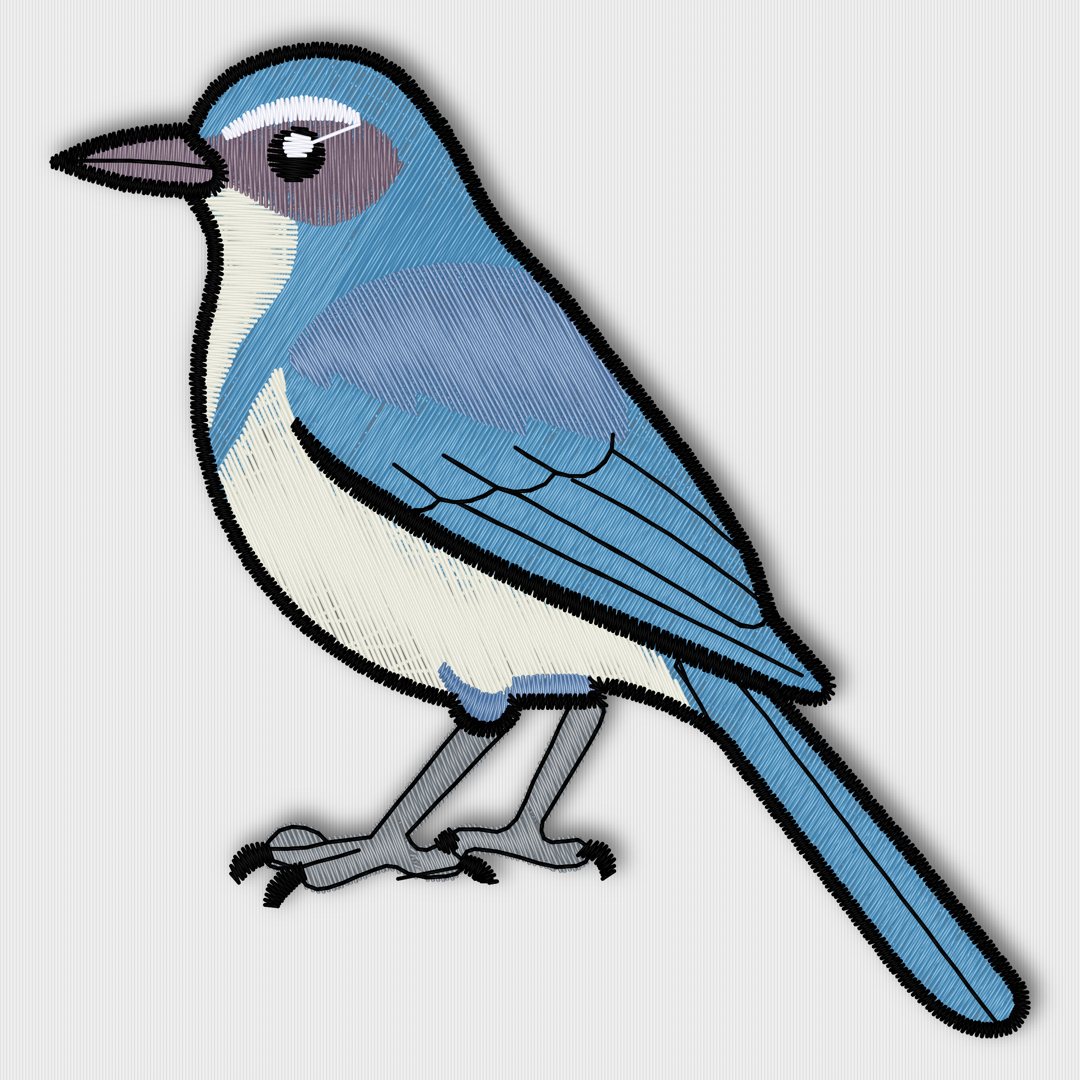 Style B
Export quality also depends on the quality of your embroidery file.
08Details

The Windows Open dialog shows a preview of your embroidery file — before you even open it.
09Attitude
Import, pick your look and colors, animate, export — ready to post, or with a transparent background for your video editor.
10Pricing
Free already covers a lot. Pro is a one-time purchase — no subscription, no cloud — when you want the advanced exports and mockup features.
€ 0
€ 14.99 € 19.99
Launch price · one-time purchase on the App Store
Make sales-ready videos and mockups in seconds — right on your Mac.
Download on the Mac App StoreAvailable now on the Mac App Store.
03Social media
One video. Fits everywhere.
Get every idea into the right format — 4:5 for an Instagram post, or 9:16 for Reels, TikTok, YouTube Shorts and Instagram Stories.
YouTube · Vimeo · Web player
Reels · TikTok · Shorts · Stories
Etsy · Pinterest · Facebook post
Instagram post